A focused hub for Meta creators
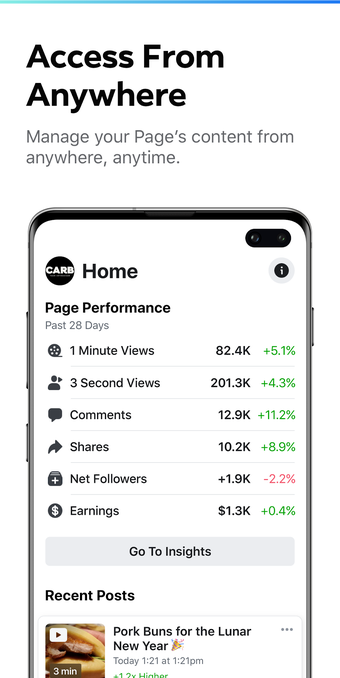
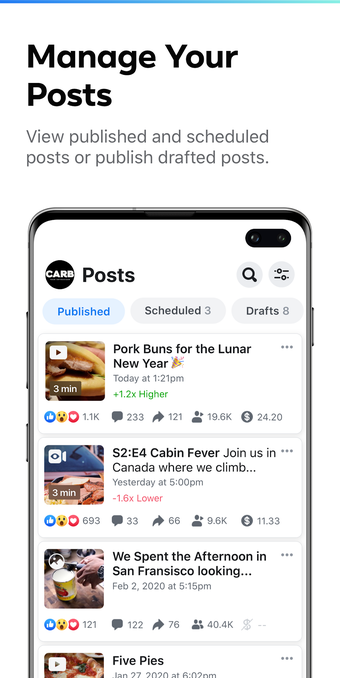
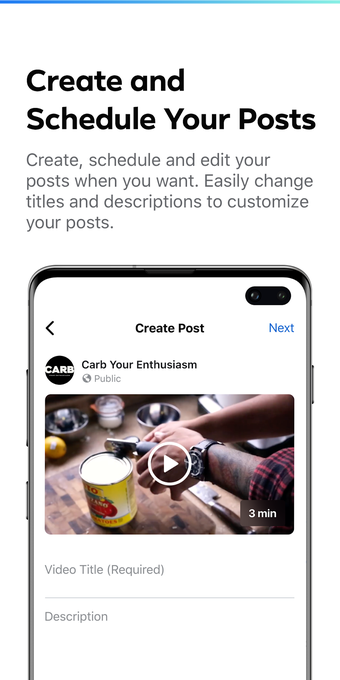
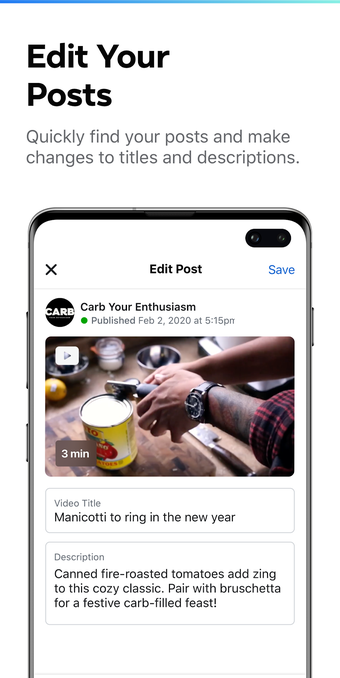
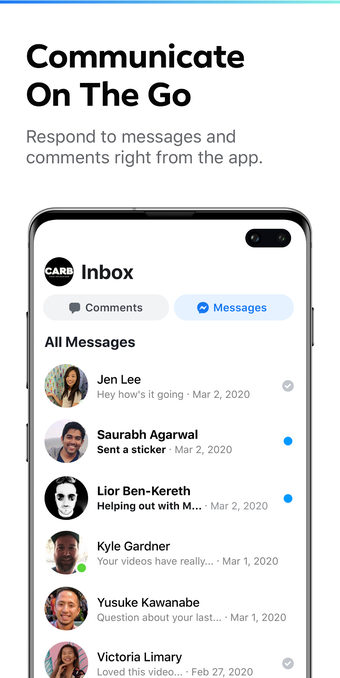
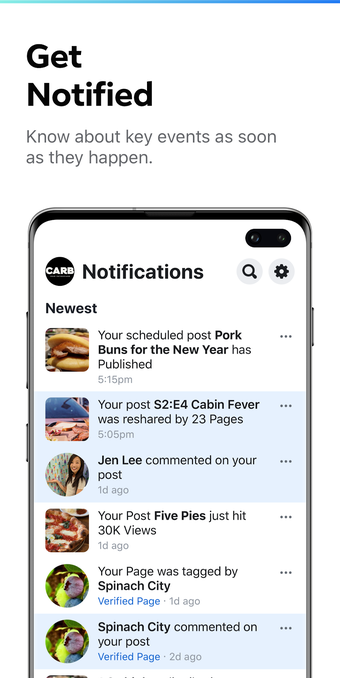
Creator Studio was a mobile tool from Meta for managing Facebook Pages and creator activity with more structure than the main social apps. It gave users a place to draft, schedule, and publish posts, review performance insights, and keep track of content across connected accounts. Its main appeal came from putting publishing and monitoring tools in one place for creators, marketers, and business owners who wanted a more organized mobile workflow.
Top Recommended Alternative

Posts first, distractions later
Creator Studio combined scheduling tools with content management features that made it easier to plan posts and handle publishing from a phone or tablet. That focused setup helped it stand apart from the regular Facebook experience, especially for users who wanted a cleaner space for work. It also offered insights tied to content performance, although its public legacy is easier to describe in broad workflow terms than through a long list of highly specific analytics features.
A better fit for managers on the move
The app suited users who needed to manage multiple Pages, keep a posting routine on track, and check how content was performing without sitting at a desktop. That mobile-first convenience was one of its stronger points, particularly for creators juggling regular publishing tasks. The tradeoff is that Creator Studio is now a retired product, so its value today mostly comes from understanding the workflow it offered rather than using it as a current standalone tool.
When the tools moved next door
Meta later shifted Creator Studio’s core creation, management, and monetization-related tools into Meta Business Suite, which became the official successor platform. That transition kept the broader workflow alive, but it also changed how longtime users accessed familiar tools. As a result, Creator Studio remains easier to appreciate as a focused legacy app than as something still active in its original form.
Still remembered for its cleaner workflow
As a creator-focused management app, Creator Studio stood out because it treated publishing as a job to be organized rather than a feed to scroll through. Its strongest qualities were its focused scheduling flow and its clear separation from the noise of the main social platforms. Even so, the move to Meta Business Suite marked the end of that standalone identity, and not every user found the transition equally smooth.